Adobe XD
Solely led the design initiative for Adobe XD. Focused on improving the usability and efficiency of design workflows within Adobe XD by identifying friction points in existing interactions and rethinking how designers perform everyday tasks. The work involved a deep dive into current product behaviours, understanding where users faced cognitive overload, inefficiencies, or unclear system feedback.
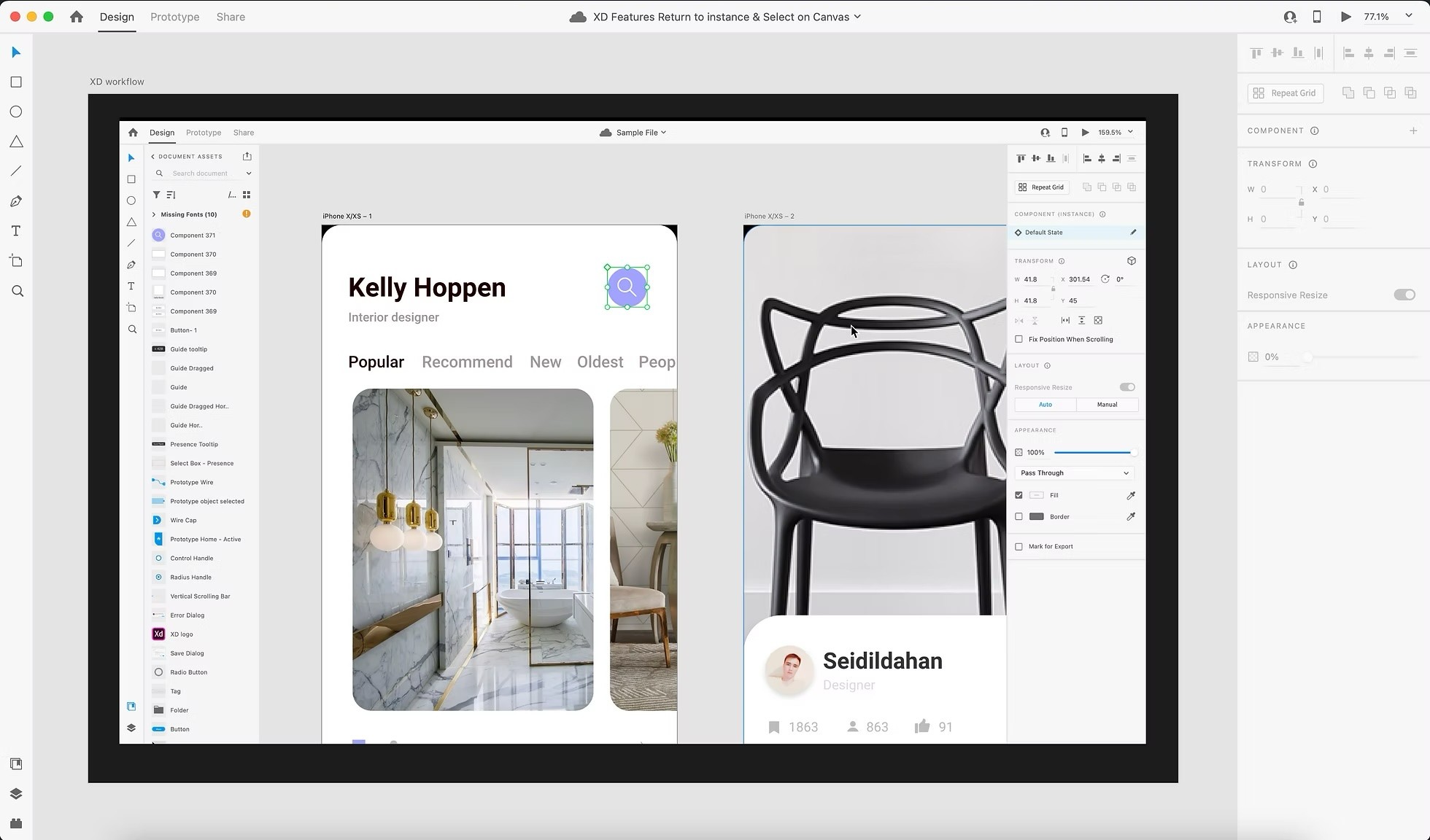
A not so fun fact: I was the last designer who designed Adobe XD on Adobe XD.
Overview
My time on Adobe XD was focused on simplifying complex workflows and improving the overall usability of the product by making interactions more intuitive and efficient for designers.
Problem
Despite being a powerful design tool, Adobe XD had workflow inefficiencies and usability friction, especially in repetitive and multi-step tasks.
Users faced cognitive overload due to unclear system of arranging and naming layers and components.
Common actions like searching and going back to a previous instance of a component required multiple steps or hidden interactions.
Lack of intuitive defaults in the color management settings led to inconsistent user experience.
Goal
Design a system that enables designers to:
Experience intuitive access to components and their instances
Reduce cognitive load through better layer management
Allow for informed selection of color management defaults
Research & Insights
User & Workflow Analysis
Studied existing Adobe XD workflows to identify friction points
Observed how designers navigate tasks like layout creation, editing, and iteration
Identified patterns where users struggled due to non-obvious interactions
Competitive Benchmarking
Analyzed other design tools (Figma, Sketch, etc.)
Identified the patterns being used to make workflows faster and intuitive
Design Approach
Simplifying Workflows
Reduced multi-step processes into clear, linear interactions these at times involved adding a simple CTA in a contextual menu.
Removed unnecessary decisions by introducing smart defaults and informing the user about this beforehand.
Improving Interaction Clarity
Designed interactions that are predictable and consistent across features.
System Thinking
Focused on creating a cohesive experience, not isolated features especially while designing for components in the properties panel.
Defined rules for how components and layers behave across different contexts.
Execution
Created detailed interaction flows and specifications for implementation
Collaborated closely with engineering to ensure feasibility and accuracy
Ensured alignment with existing product architecture and design systems
Validation
Tested designs across multiple use cases and edge cases
Iterated based on implementation feedback and usability gaps
Ensured workflows were robust, scalable, and consistent
Outcome
Reduced complexity in key workflows, making the tool more intuitive and efficient
Established clear interaction patterns and defaults that improved consistency across the product
Key Takeaways
Small workflow improvements can create large efficiency gains
Designing default behaviors is as important as designing features
Simplicity in tools requires deep understanding of user mental models
Strong collaboration with engineering ensures designs translate well into reality
Feel free to reach out to get more details.